Solo Scientific Calculator1.1.3
Publisher Description
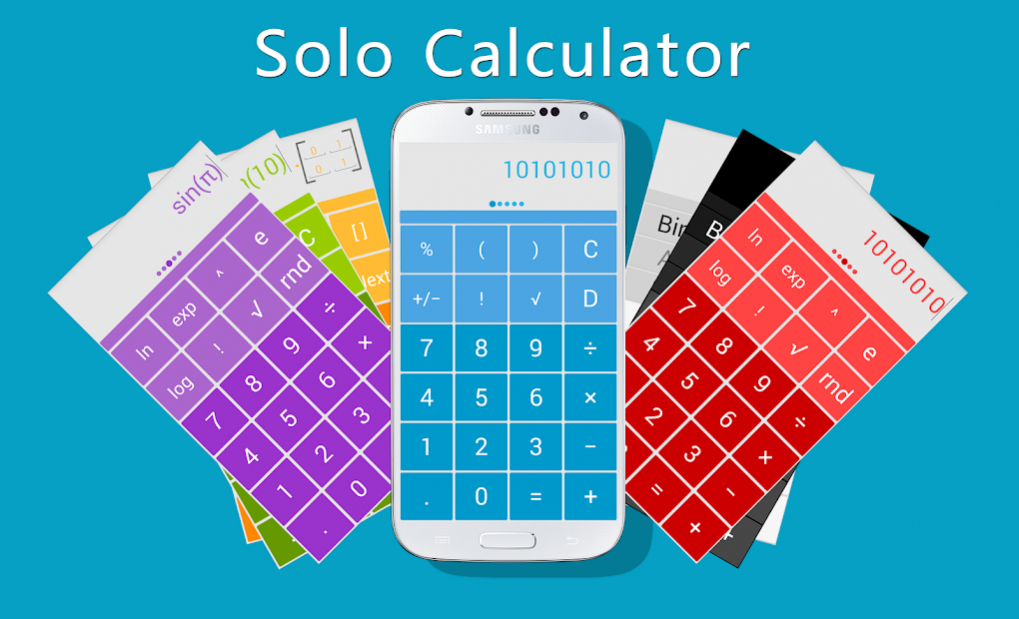


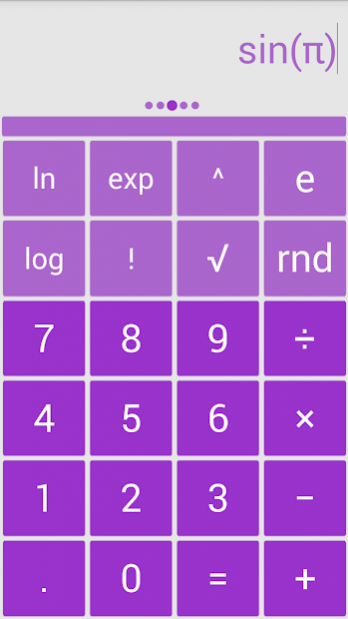
Scientific Calculator application with latest features!
Great Scientific Calculator supporting Matrix Operations!
Features:
★ Result history
★ Traditional algebraic or RPN operation
★ Unit conversions
★ Percentages
★ Physical constants table
★ 10 memories
★ General Arithmetic Functions
★ Trigonometric Functions - radians, degrees & gradients - including hyperbolic option
★ Power & Root Functions
★ Binary, octal, and hexadecimal (can be enabled in Settings)
★ Scientific, engineering and fixed-point display modes
★ Configurable digit grouping and decimal point
★ Fraction calculations and conversion to/from decimal
★ Degrees/minutes/seconds calculations and conversion
★ Landscape mode
★ User-customizable unit conversions
★ User-customizable constants
★ Log Functions
★ Modulus Function
★ Random Number Functions
★ Permutations (nPr) & Combinations (nCr)
★ Highest Common Factor & Lowest Common Multiple
★ Statistics Functions - Statistics Summary (returns the count (n), sum, product, sum of squares, minimum, maximum, median, mean, geometric mean, variance, coefficient of variation & standard deviation of a series of numbers), Confidence Interval, Digamma Function, Exponential Density, Gamma Function, Hypergeometric Distribution, Normal Distribution, Poisson Distribution
★ Conversion Functions: area, distance, volume, weight, density, speed, pressure, energy, power, frequency, magnetic flux density, dynamic viscosity, temperature, heat transfer coefficient, time, angles, data size, fuel efficiency & exchange rates
About Solo Scientific Calculator
The company that develops Solo Scientific Calculator is NewBorn-Town. The latest version released by its developer is 1.1.3. This app was rated by 1 users of our site and has an average rating of 4.0.
To install Solo Scientific Calculator on your Android device, just click the green Continue To App button above to start the installation process. The app is listed on our website since 2014-06-30 and was downloaded 31 times. We have already checked if the download link is safe, however for your own protection we recommend that you scan the downloaded app with your antivirus. Your antivirus may detect the Solo Scientific Calculator as malware as malware if the download link to home.solo.plugin.calculator is broken.
How to install Solo Scientific Calculator on your Android device:
- Click on the Continue To App button on our website. This will redirect you to Google Play.
- Once the Solo Scientific Calculator is shown in the Google Play listing of your Android device, you can start its download and installation. Tap on the Install button located below the search bar and to the right of the app icon.
- A pop-up window with the permissions required by Solo Scientific Calculator will be shown. Click on Accept to continue the process.
- Solo Scientific Calculator will be downloaded onto your device, displaying a progress. Once the download completes, the installation will start and you'll get a notification after the installation is finished.
Program Details
System requirements
Download information
Pricing
Version History
version V1.1.3
posted on 2014-06-30
version V1.1.3
posted on 2014-06-29
Several fixes and updates
